Well you must have read the intro post. If you did then great, if you did not then no worries the link is right here. I will give you time, go on read it.
Done? excellent! so by now you would know what the site is really about. Now you must be wondering how to navigate through this amazing site.
Fear not, Site Navigation 101 is here!
MENU
It is the top three lines on the right side of the site. This menu is your compass.

Inside the menu you will see three options called pages. These pages include the home page (which is the first page you are greeted by when you visit the site), the contact page (the page where you have a contact form that allows you to contact me) and the shelf page ( a collection of all the articles).
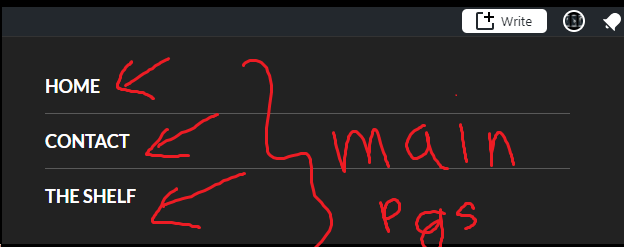
SIDEBAR
In the menu there is something fantastic called a sidebar. It includes a search bar, a follow button, a translate option (done by google translate) and a blog popularity stat. There is also a list of categories in the blog and the posts under it.
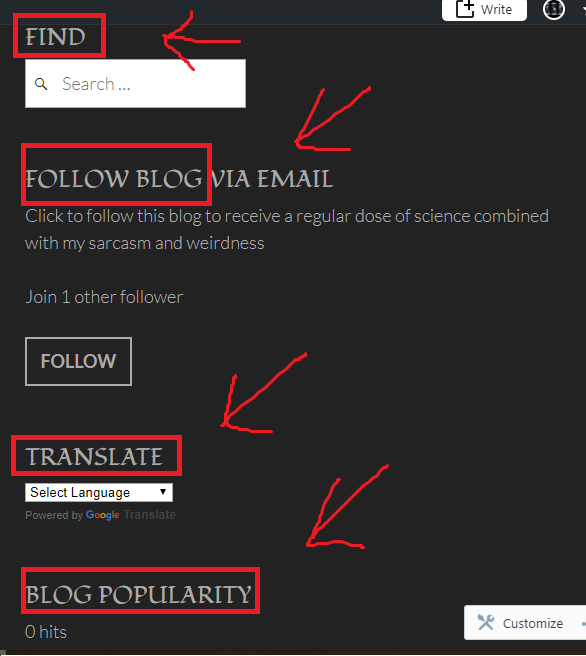
FOOTER
Now that we are done with the menu we will focus on the footer. It has an archive of all posts, a list of popular posts, RSS feed and a really cool ‘Internet Defense League’ Badge.

CATEGORIES
The main category is: BIOLOGY
The sub-categories are:
- Genetics
- biochemistry
- psychology
Under these there will be:
- experiments
- theories
- discoveries
- scientific miracles
POSTS
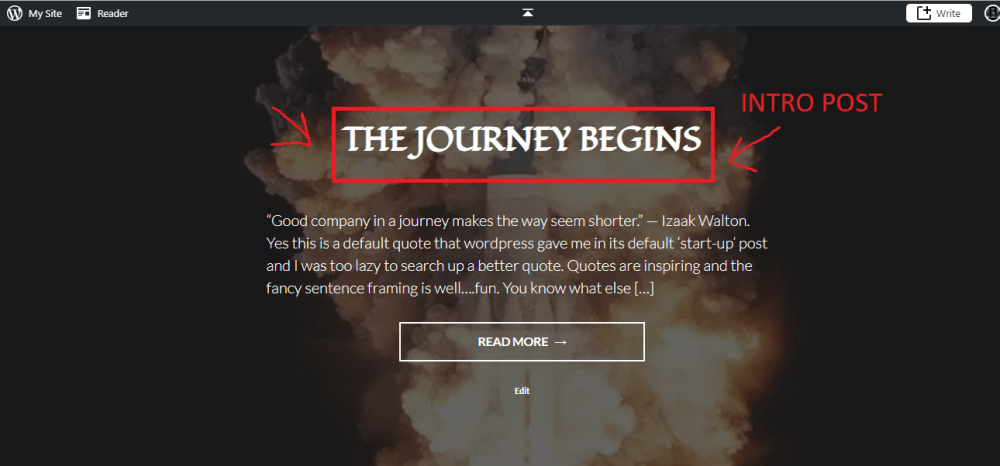
So when you enter my site you will find a main intro post. Please do read that. If you need help in navigation you can find this post in ‘The shelf’, the home page or the link in the intro post.

 Ishani's science corner
One thought on “Site Navigation Guide”